
500mm F/8 Manual Focus Telephoto Lens, Canon EF Mount, Compatible with Nikon DSLR Cameras, Zoom Lens with Optical Zoom, T-Mount, with Adapters for Multiple Camera Models
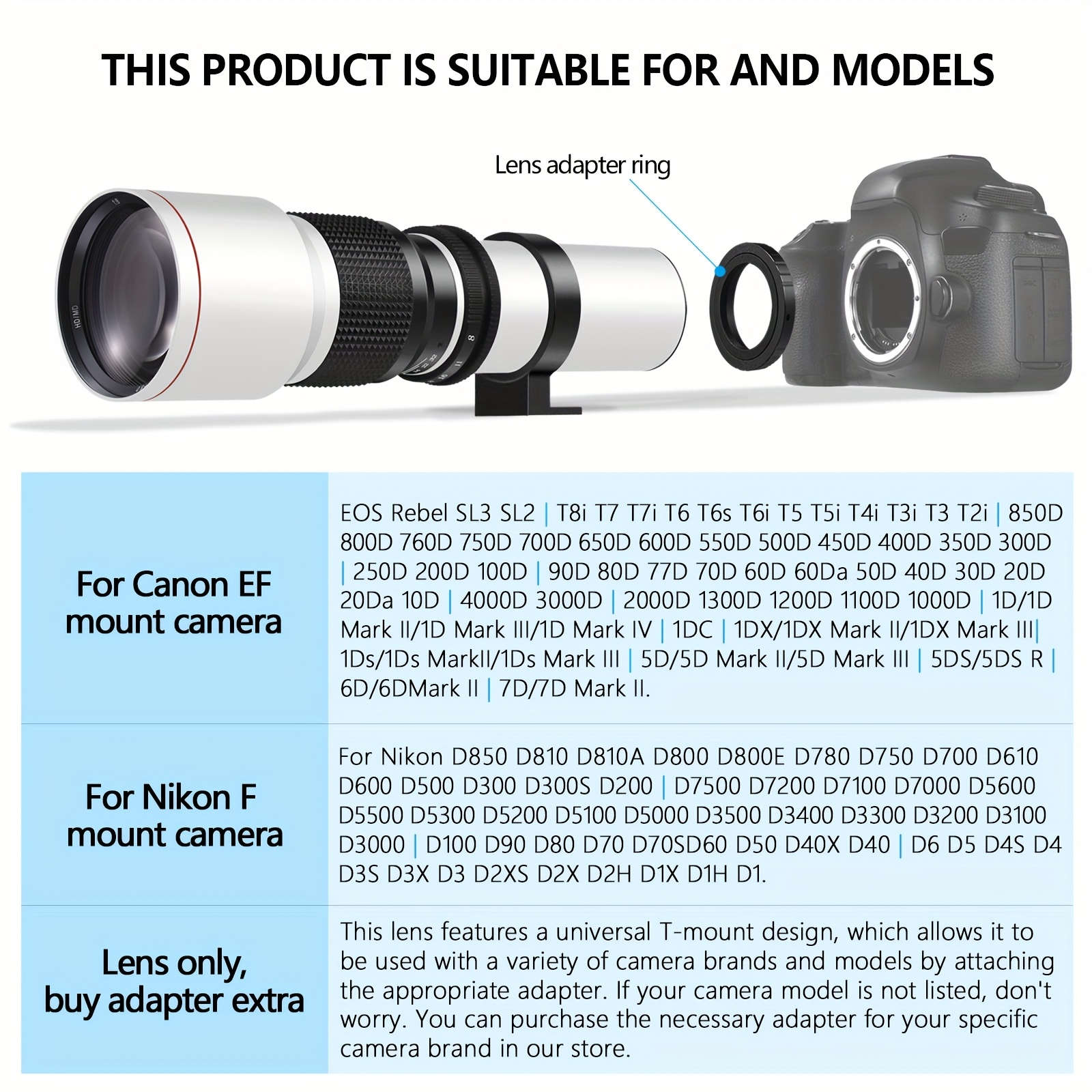
Black / For Nikon F mount camera
$46.08
Skip to product information



500mm F/8 Manual Focus Telephoto Lens, Canon EF Mount, Compatible with Nikon DSLR Cameras, Zoom Lens with Optical Zoom, T-Mount, with Adapters for Multiple Camera Models
$46.08
"If you choose only the lens, you can purchase a matching adapter for the camera in this store."
Manual focus lens, manual lensManual focus lens, manual lensManual focus lens, manual lensManual focus lens, manual lensManual focus lens, manual lens
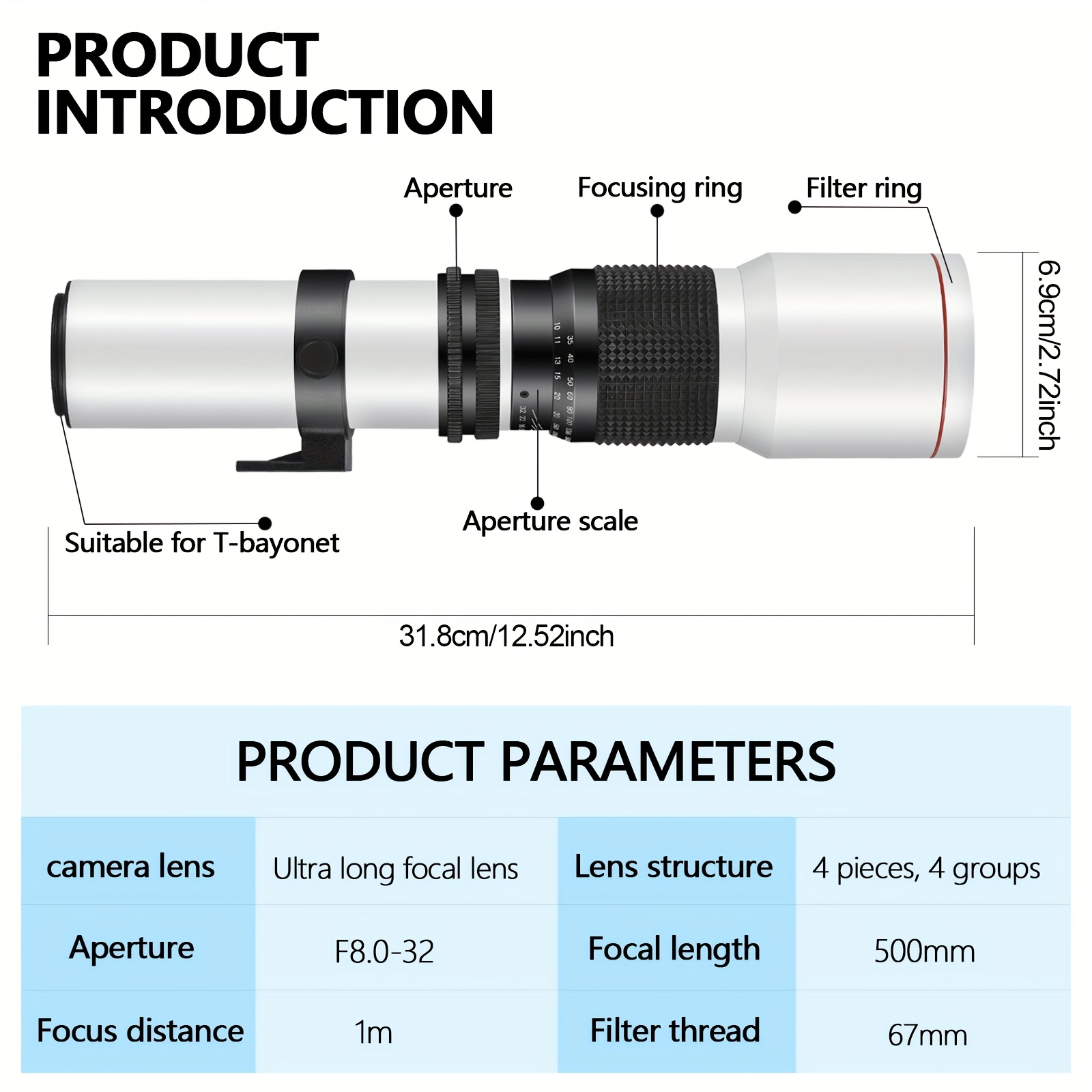
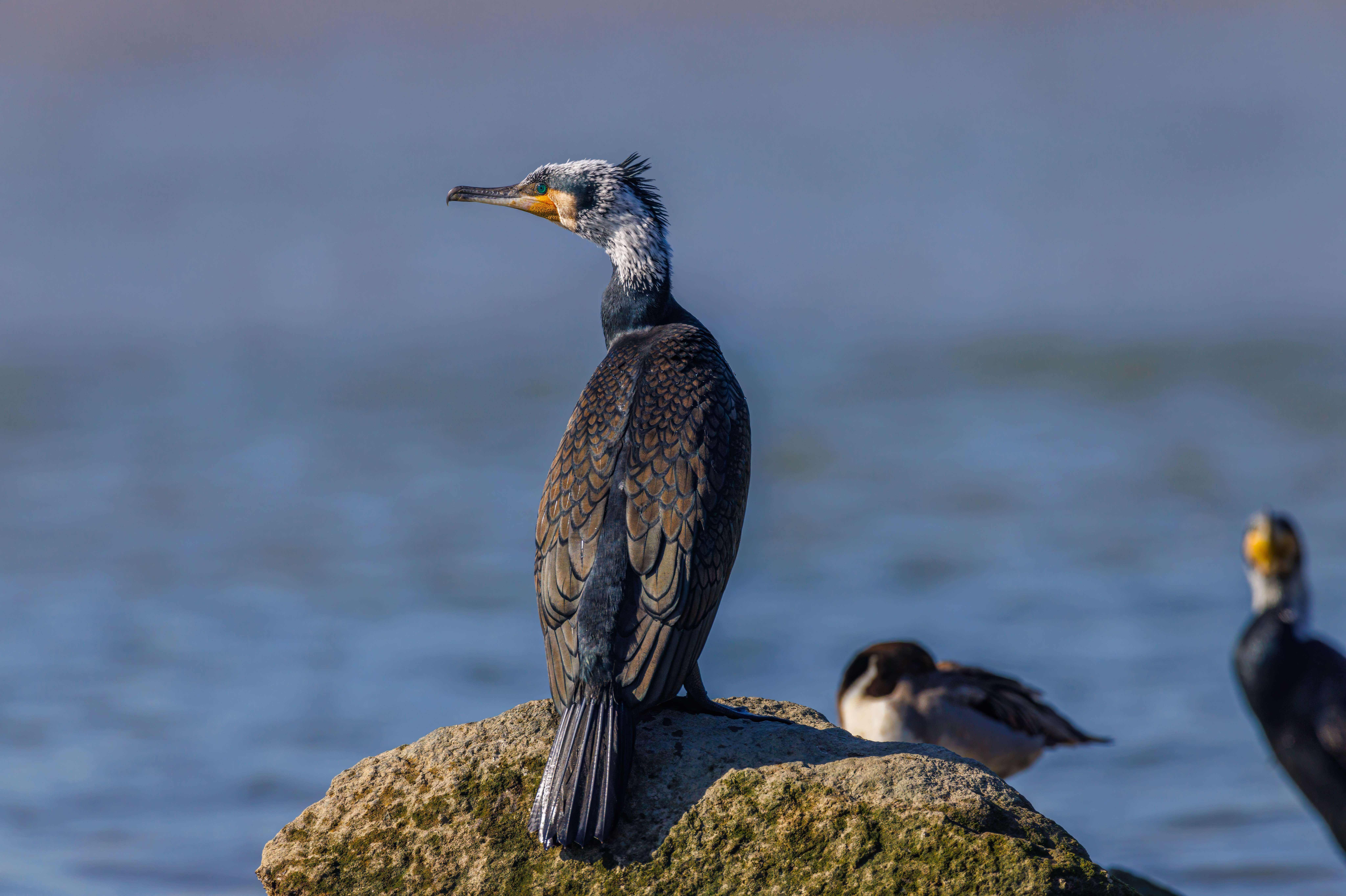
Focal length: 500mmFilter diameter: 67mmMinimum aperture: F32Maximum aperture: F8.0
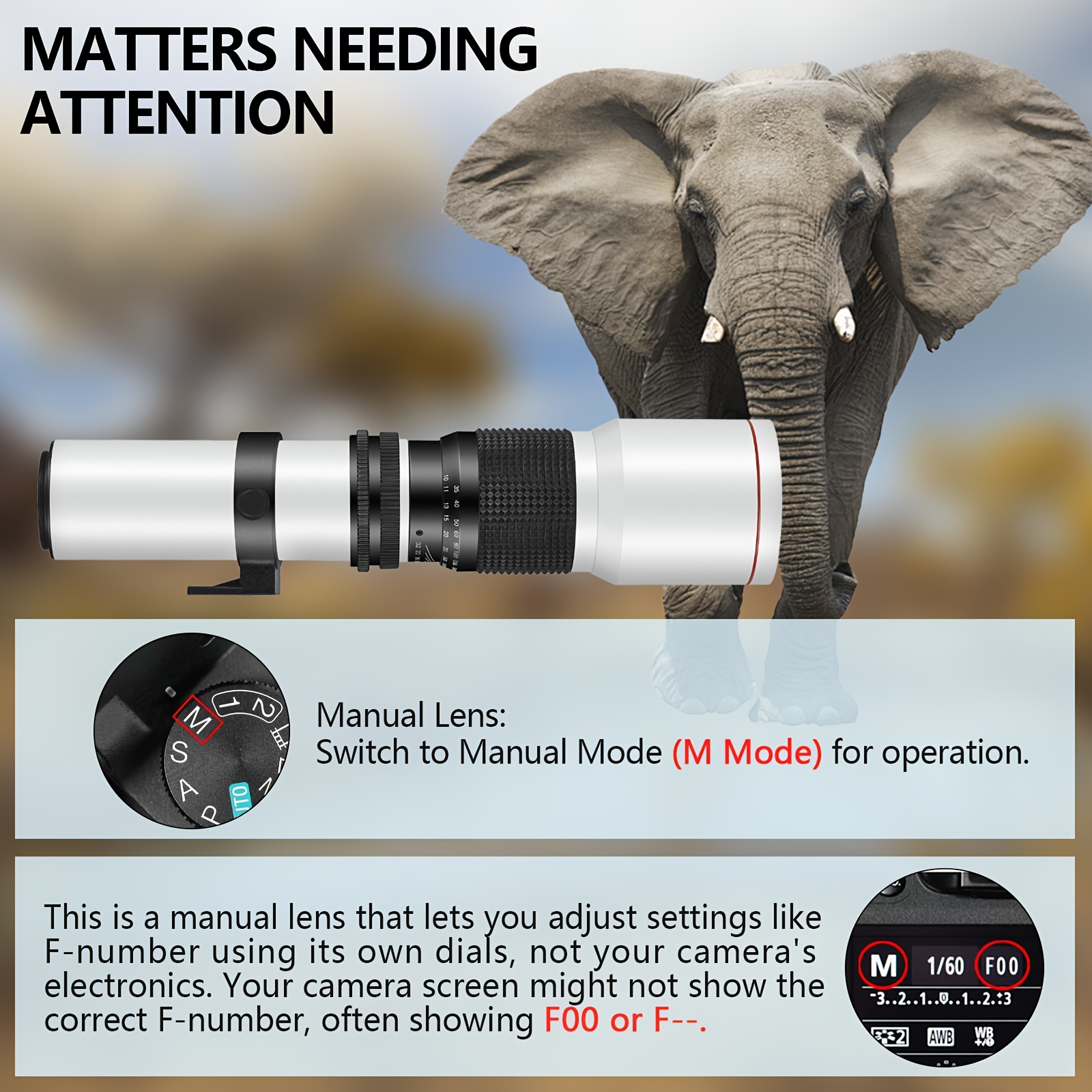
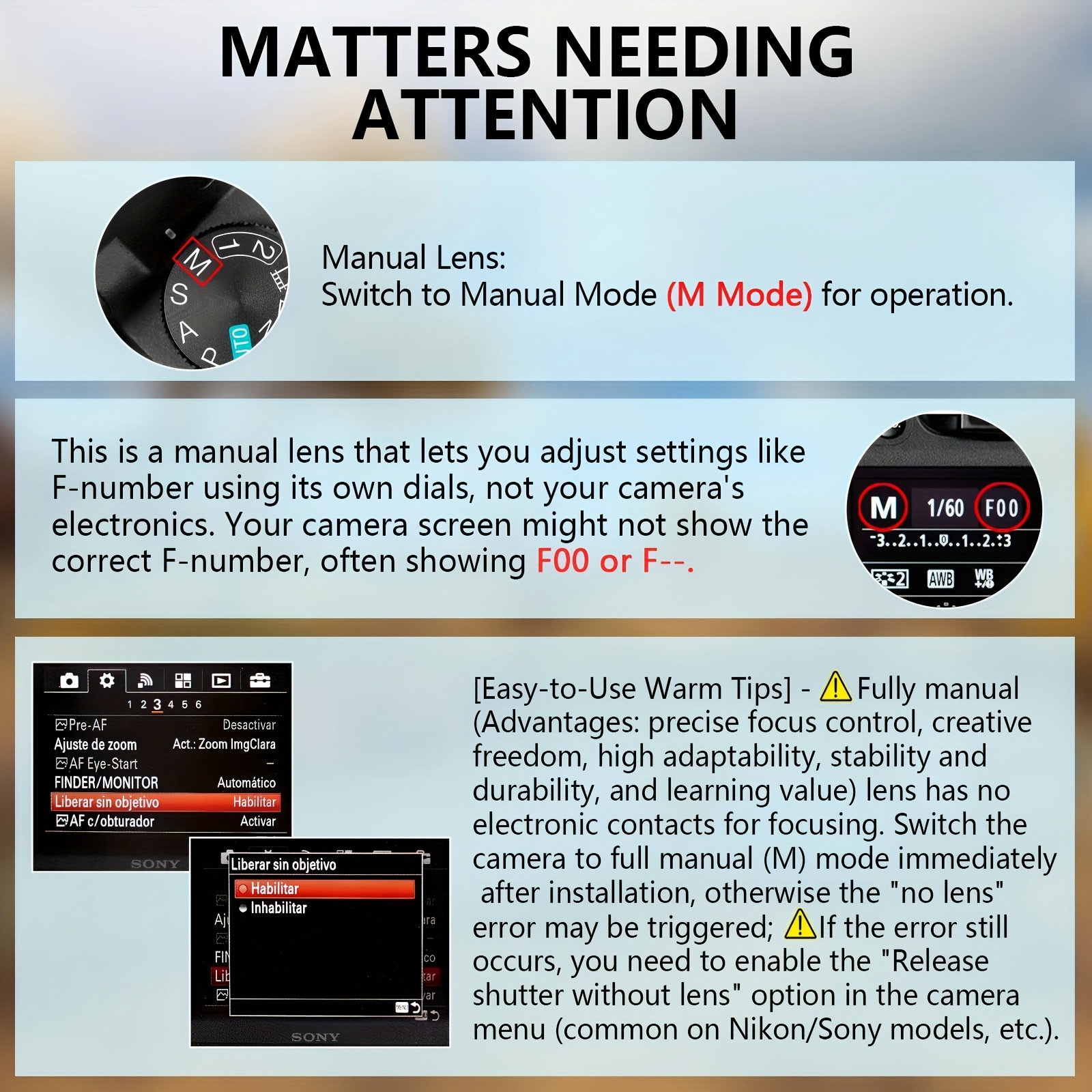
Manual lens, so your camera can't recognize it. It requires a completely manual setup of the camera and lens body. Please For Switch to MF mode to use this lens correctly.Fully manual lens: without image stabilization, no autofocus, unable to display aperture values.No lens installed: Manual lens, please enable "M" mode in camera settings or "release without lens" to make the lens work
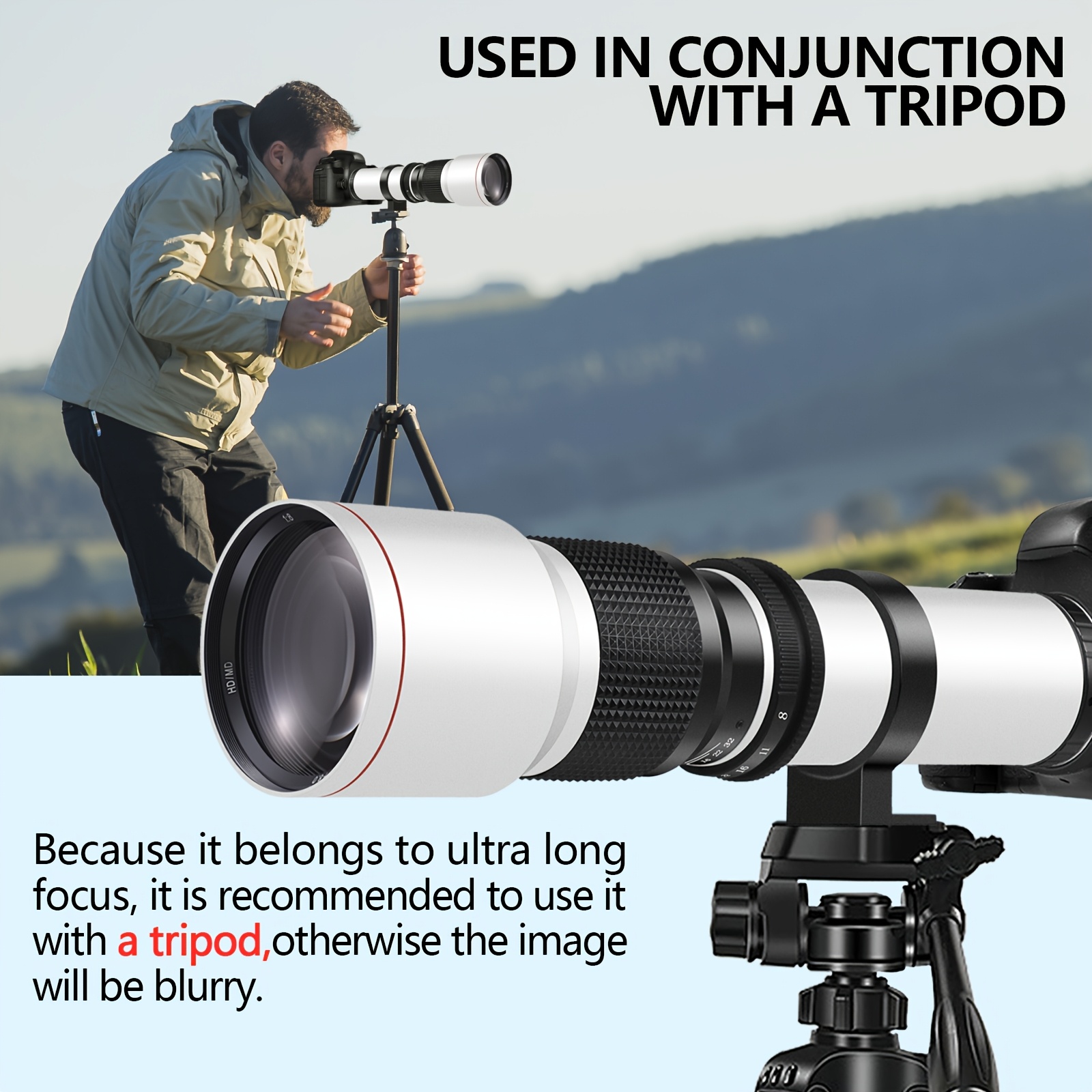
How can this product improve image quality?a. If the image becomes dim/underexposed, set a lower shutter speed and increase the ISO value.b. If the image turns white/overexposed, please increase the camera's shutter speed and decrease the ISO value.c. To ensure precise focus, it is recommended to use real-time framing. When using, it is recommended to use a stable camera stand, sturdy tripod, appropriate technology, fast shutter speed, remote control, etc. to achieve the best results
Lens User Manual
I. Installation & Setup● Mounting the LensAlign the red dot on the lens mount with the red dot on the camera body. Rotate the lens clockwise until it clicks firmly into place.●Switching to Manual ModeAfter mounting, immediately set the lens aperture ring to [M] or Manual mode. For some cameras, you must also enable the "Release shutter without lens" or "Manual lens confirm" option in the camera menu (refer to your camera manual).
II. Common Issues & Solutions●Camera displays "No lens attached" / Shutter won't releaseReason: Manual lenses lack electronic contacts; the camera cannot detect them.Solution: Go to Camera Menu → Enable "Release shutter without lens" (Terminology may vary by brand, e.g., Nikon: "Non-CPU lens data").
●Image too bright or too darkAdjustment Steps:1.Set shutter speed first (suggested start: 1/100s), then ISO (suggested start: 400-800).2.Adjust the aperture ring based on ambient light (smaller number = larger aperture = more light).3.In low light, increase ISO slightly or use a tripod.
●Blurry Photos1.Out-of-focus blur: Manually rotate the focus ring (usually the outermost ring) until the image is sharp. Use focus peaking or focus magnification assist if available.2.Motion blur: Ensure shutter speed is at least 1 / focal length (e.g., ≥1/50s for 50mm). Use a tripod for longer focal lengths.●Displays F00 or F--Reason: Camera cannot read aperture value. This is normal. Control aperture and exposure manually.
●Excessive Noise (Grain)Lower the ISO (try to keep below 800) or add more light (e.g., flash, constant light source).●Still blurry after focusing1.Check if shutter speed is too slow (see Safety Shutter above).2.Very large aperture (e.g., F1.4) creates shallow depth of field. Stop down the aperture (e.g., to F2.8 or higher) for greater depth of field/sharpness area.
III. Manual Lens Tips●Focus Assist FunctionsEnable Focus Peaking (highlights in-focus areas) or Live View Zoom/Magnification for more precise focusing.●Aperture & Depth of Field Control1.Large aperture (e.g., F1.4-F2.8): Suitable for background blur (bokeh), requires precise focus.2.Small aperture (e.g., F8-F16): Suitable for landscapes, overall sharper image.
●Exposure GuidanceUse the camera's exposure indicator scale (in Manual mode) to judge exposure; adjust aperture, shutter speed, and ISO accordingly.
IV. Precautions●Do not force the focus ring; check for a lock For Switch if resistance is met.●Clean the lens only with a dedicated blower and lens tissue/cloth to avoid coating scratches.●Turn off image stabilization (IS/VR) and use a tripod for long exposures.