
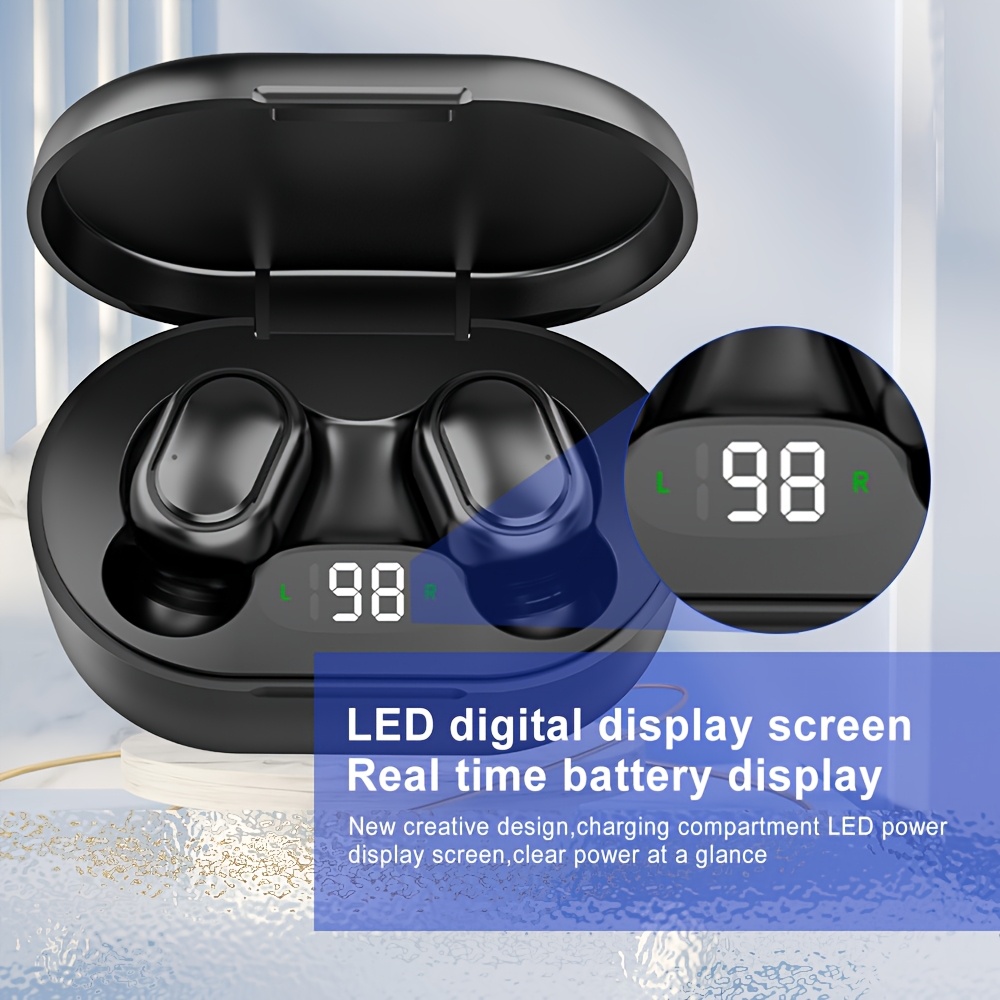
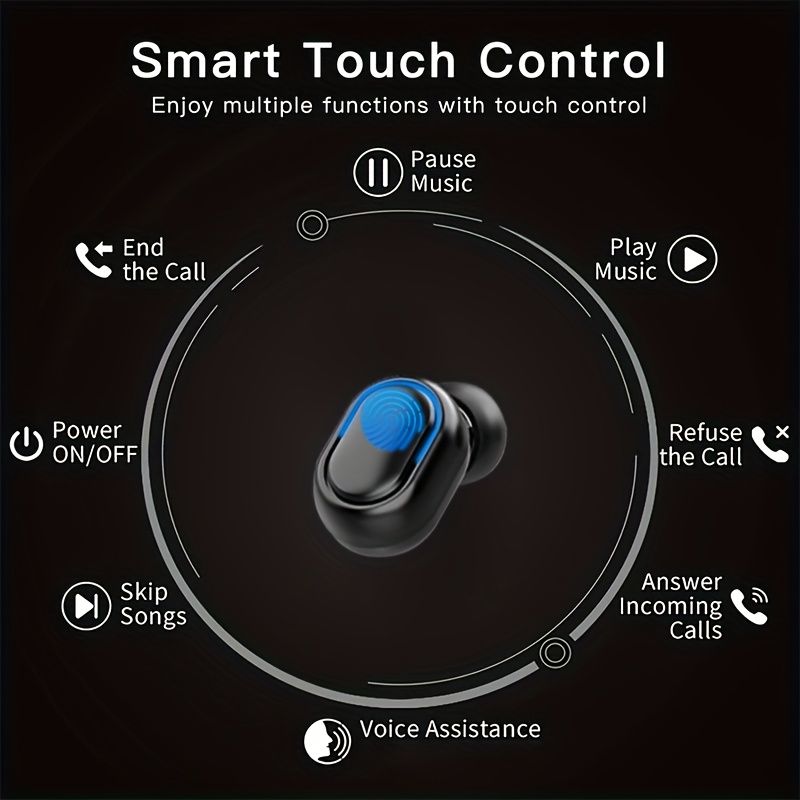
3pcs Headphone Set| Wireless Earbuds BT Noise Cancelling, TWS Wireless Earbuds BT 5.4 Headphones, Noise-canceling Microphone, LED Display, Touch Control, Compatible with IOS/Android, Music Lovers & for iPhone& for Android- Perfect Gift for Women
3 pcs Headphone Set
$12.88
Skip to product information

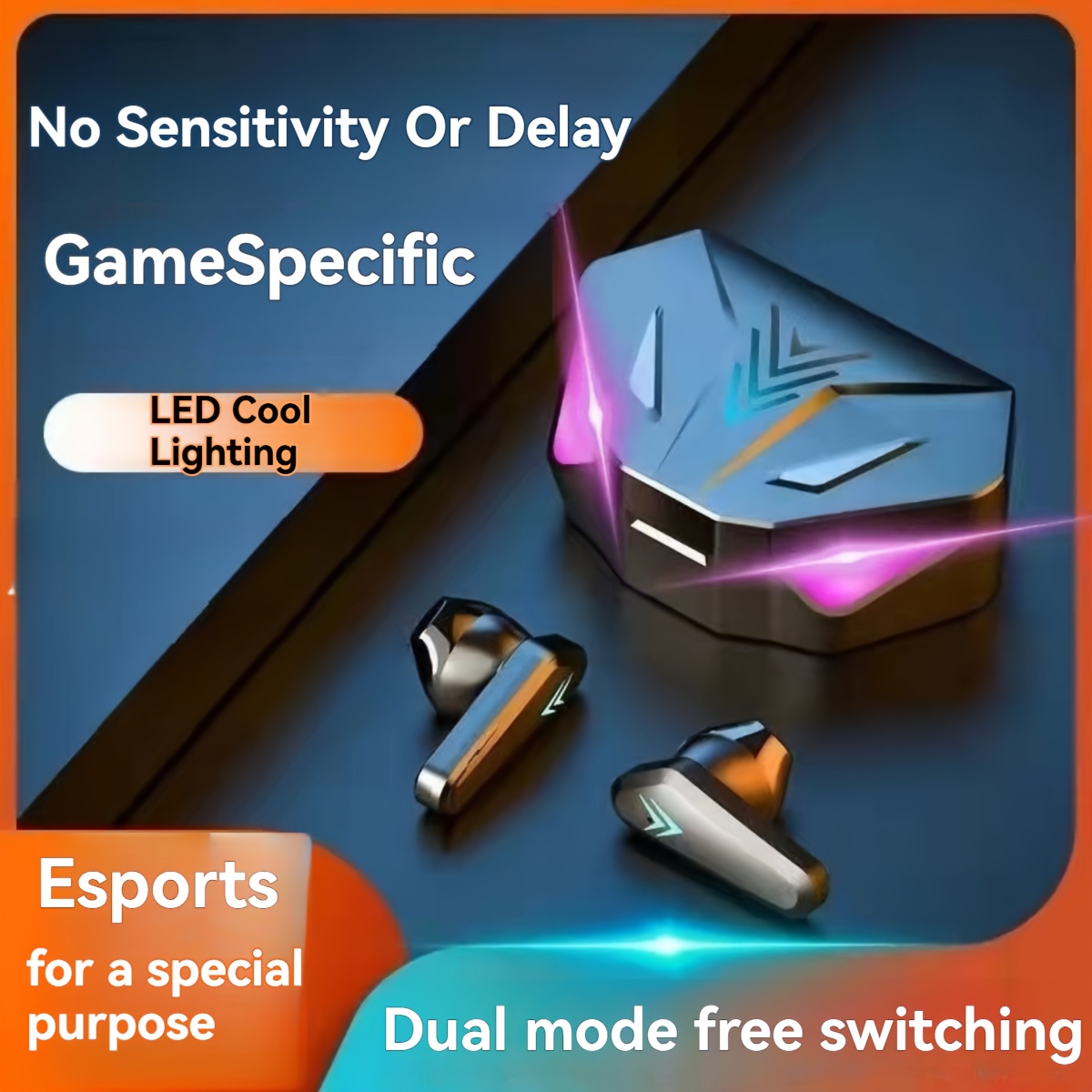
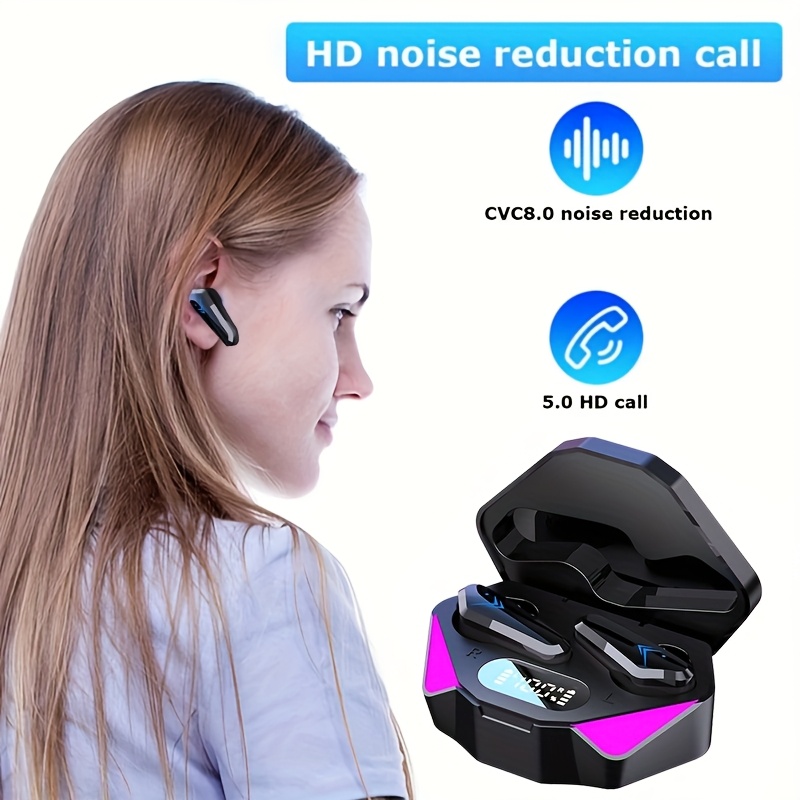
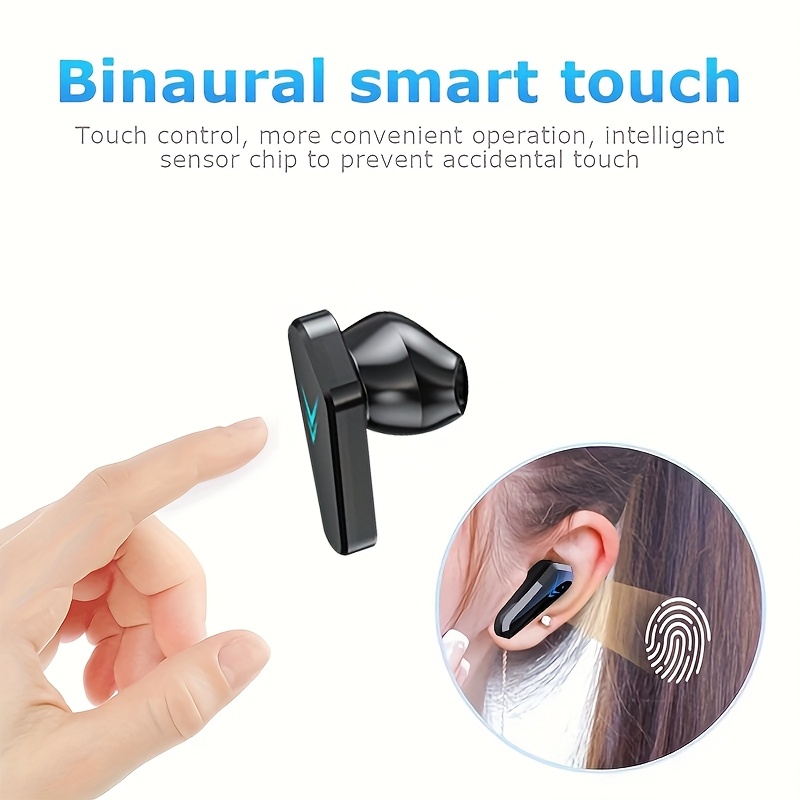
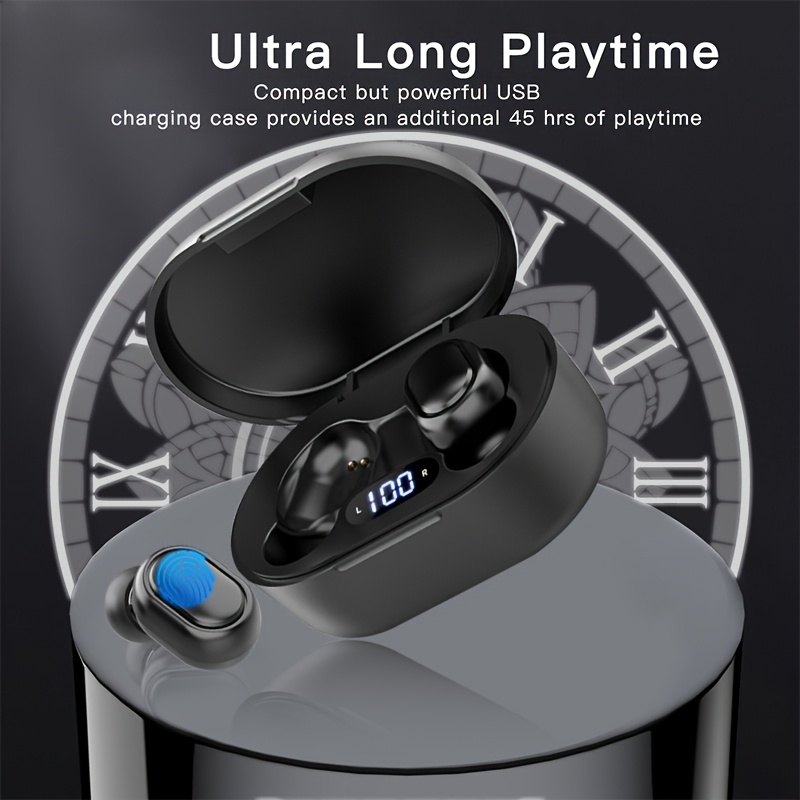


3pcs Headphone Set| Wireless Earbuds BT Noise Cancelling, TWS Wireless Earbuds BT 5.4 Headphones, Noise-canceling Microphone, LED Display, Touch Control, Compatible with IOS/Android, Music Lovers & for iPhone& for Android- Perfect Gift for Women
$12.88
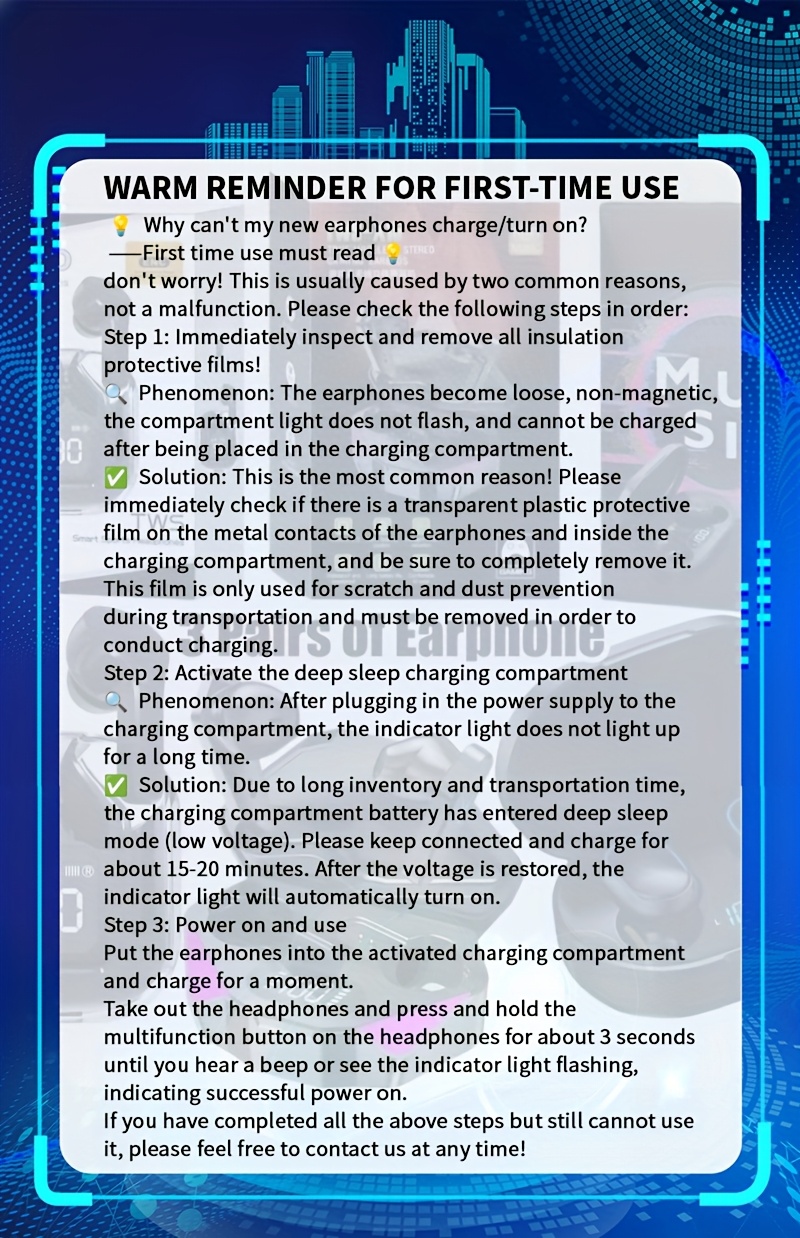
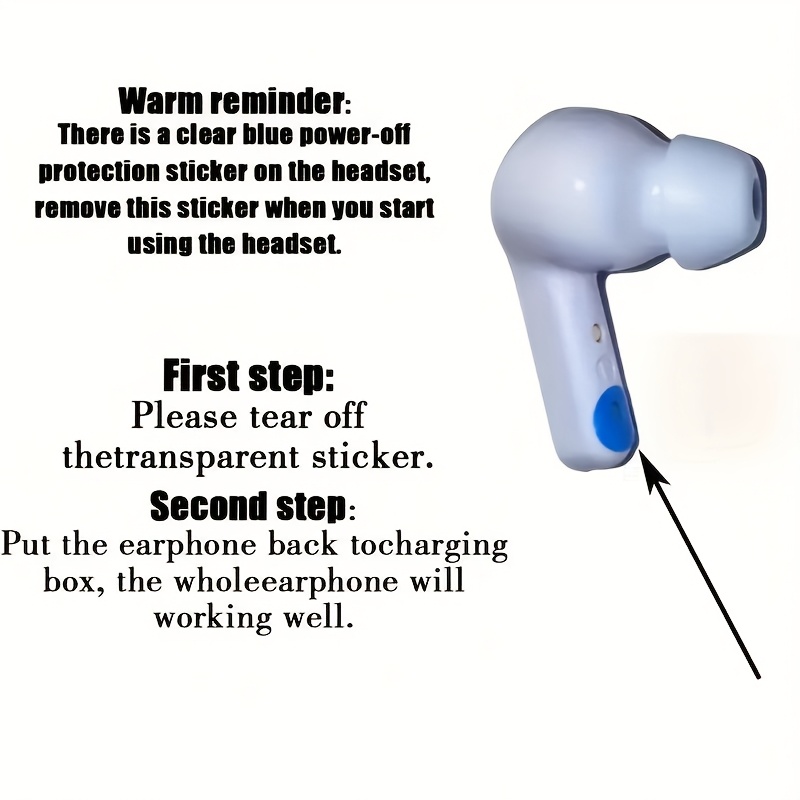
Why can't my new earphones charge/turn on? ——First time use must read!!!Don't worry! This is usually caused by two common reasons, not a malfunction. Please check the following steps in order:Step 1: Immediately inspect and remove all insulation protective films! Phenomenon: The earphones become loose, non-magnetic, the compartment light does not flash, and cannot be charged after being placed in the charging compartment.
Solution: This is the most common reason! Please immediately check if there is a transparent plastic protective film on the metal contacts of the earphones and inside the charging compartment, and be sure to completely remove it. This film is only used for scratch and dust prevention during transportation and must be removed in order to conduct charging.
Step 2: Activate the deep sleep charging compartment Phenomenon: After plugging in the power supply to the charging compartment, the indicator light does not light up for a long time. Solution: Due to long inventory and transportation time, the charging compartment battery has entered deep sleep mode (low voltage). Please keep connected and charge for about 15-20 minutes. After the voltage is restored, the indicator light will automatically turn on.
Step 3: Power on and usePut the earphones into the activated charging compartment and charge for a moment.Take out the headphones and press and hold the multifunction button on the headphones for about 3 seconds until you hear a beep or see the indicator light flashing, indicating successful power on.If you have completed all the above steps but still cannot use it, please feel free to contact us at any time!