
Scrolling Remote Control for TikTok, Kindle App Page Turner for Reading, Front/Rear Camera Shutter Remote for Phone Video Recording, Bluetooth Clicker for iPhone, Android, IOS, iPad
Black
$7.45
Skip to product information



Scrolling Remote Control for TikTok, Kindle App Page Turner for Reading, Front/Rear Camera Shutter Remote for Phone Video Recording, Bluetooth Clicker for iPhone, Android, IOS, iPad
$7.45
Scrolling Remote Control For TikTok, For Kindle App Page Turner For Reading, Camera Shutter Remote For Phone Video Recording, Bluetooth Clicker For iPhone, For Android, IOS, For iPad (Without Phone Stand)
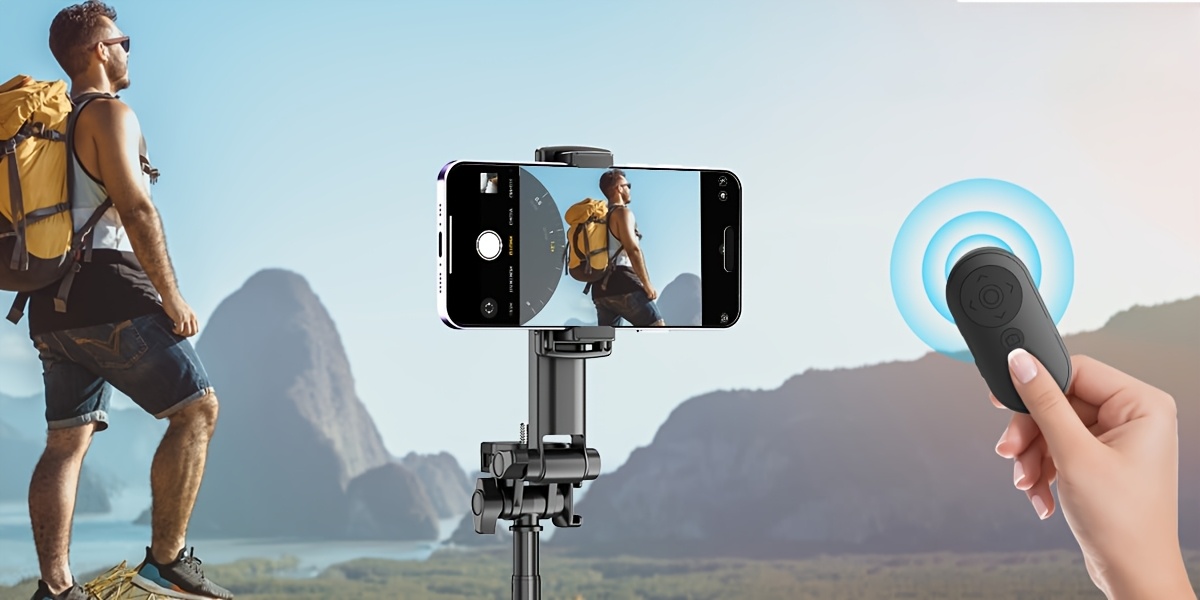
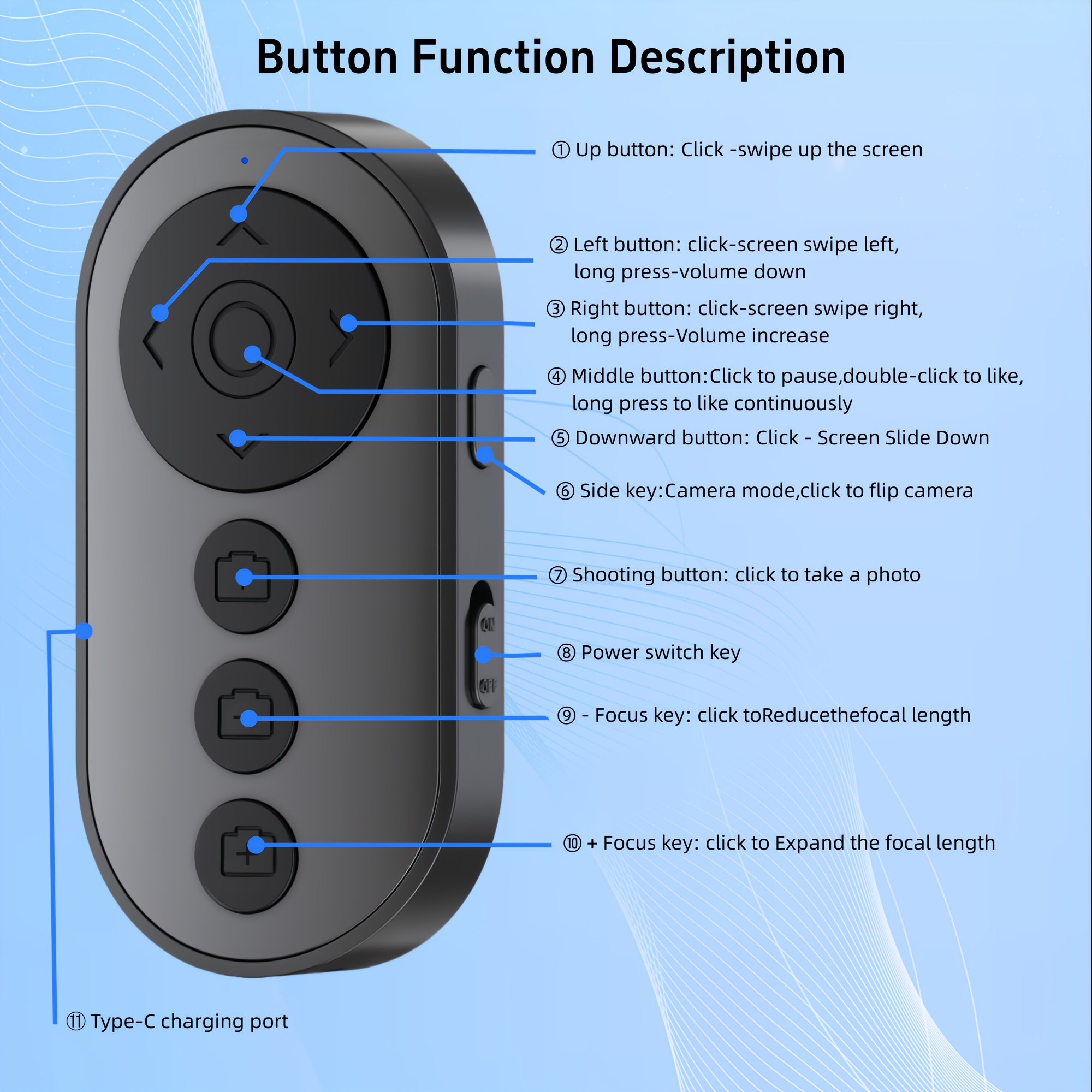
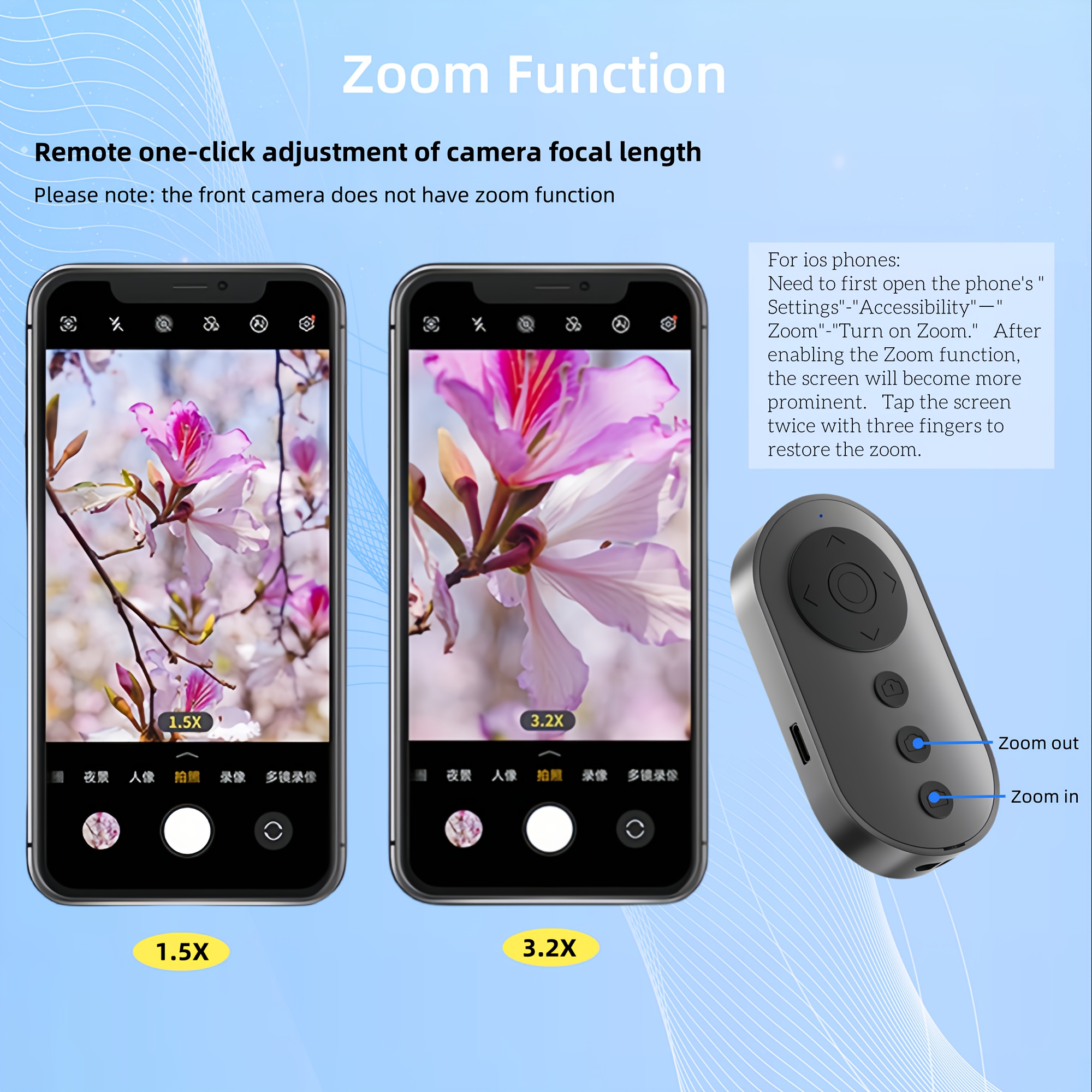
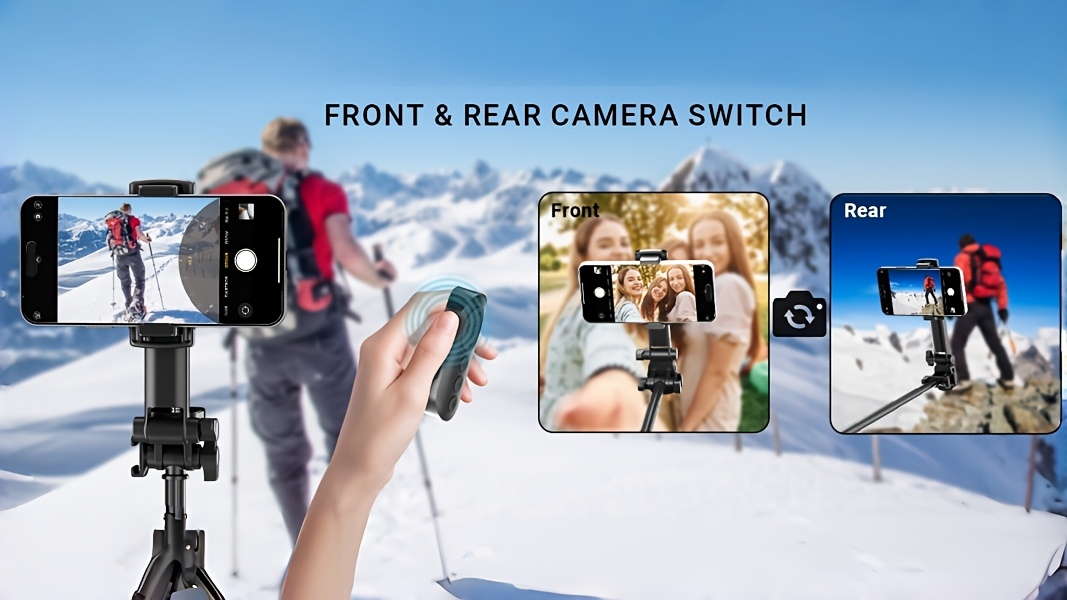
[Zoom & Camera Control] Seamlessly adjust focal length with +/- keys (rear camera only) and instantly For Switch front/rear cameras with a single click—perfect for vloggers and selfies
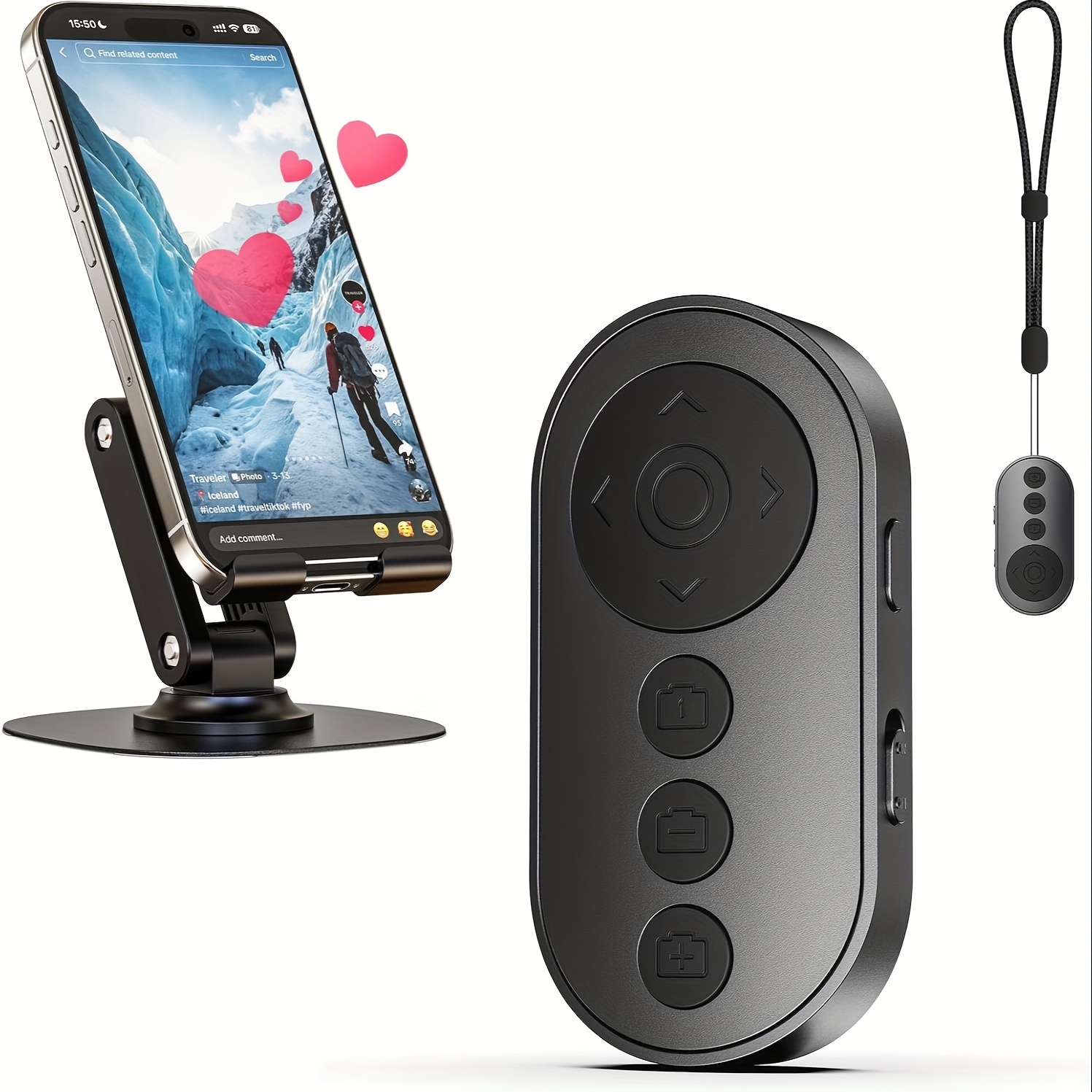
[TikTok & Video Scrolling] Scroll videos, adjust the volume, and hit “Like” hands-free. iOS Tip: Enable Accessibility Zoom for seamless remote pairing
[All-in-One Multi-Tasking] Control E-book page turns (ONLY available for E-book APP, not For Kindle devices), photo/video shutter, and app-specific camera switching—no need for multiple devices
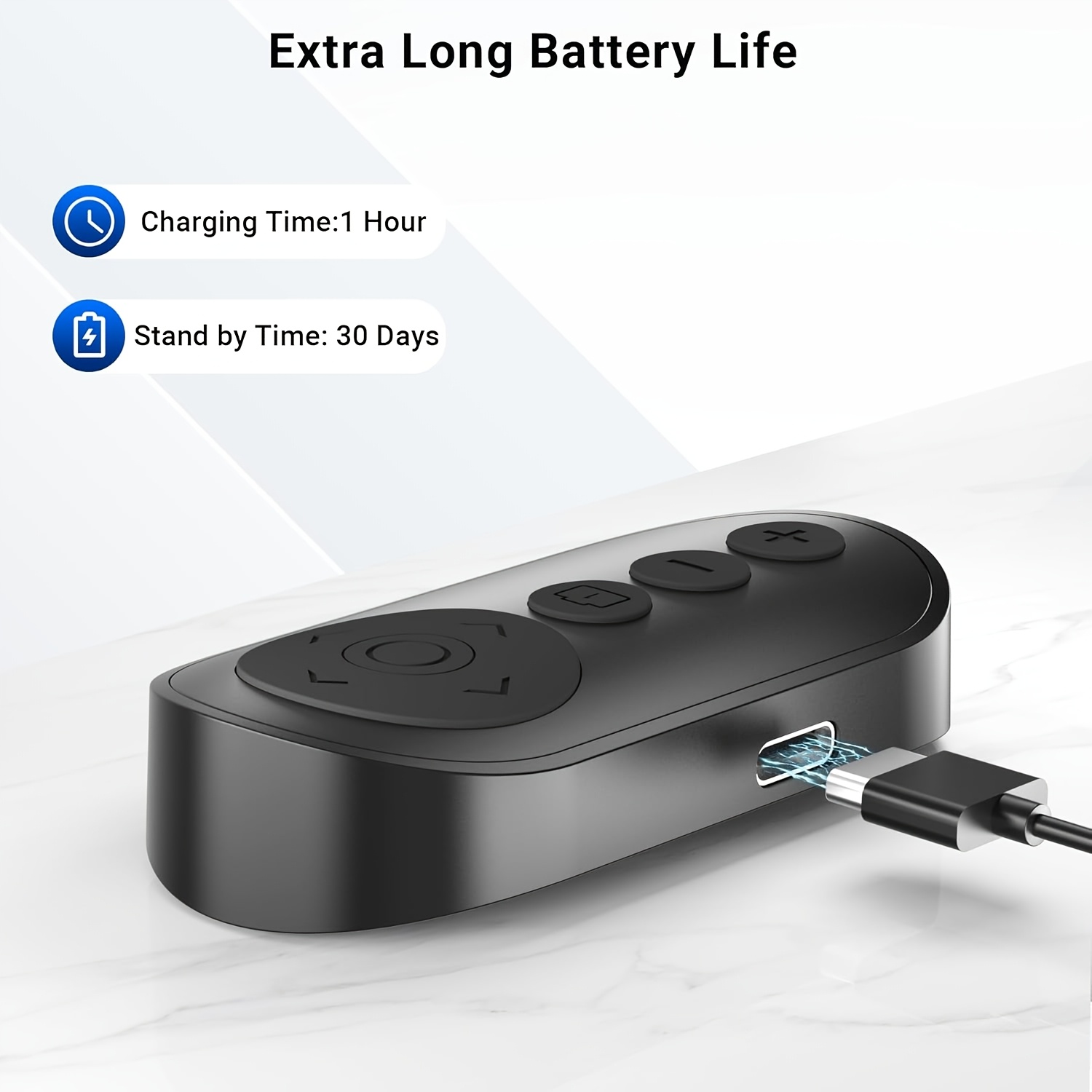
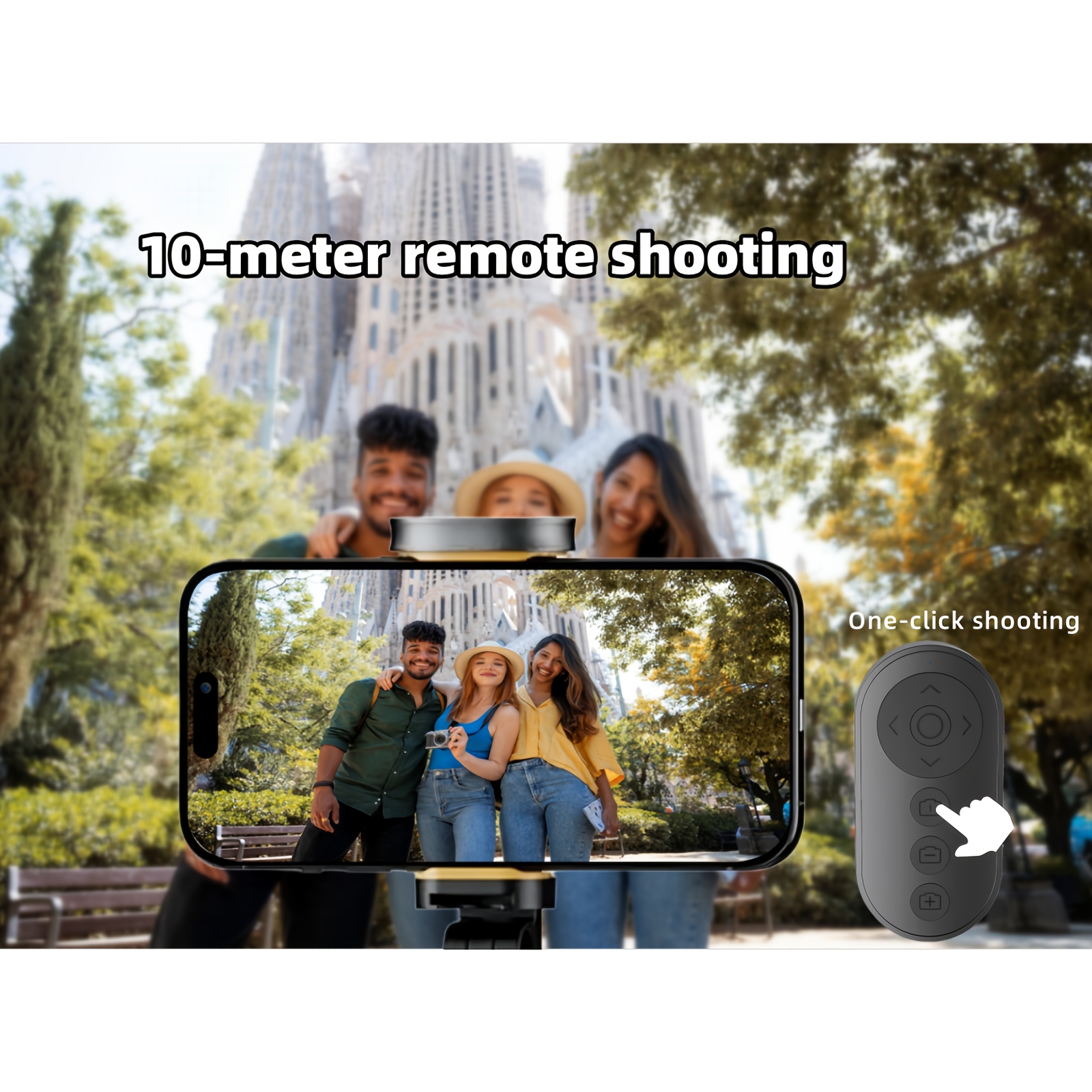
[Bluetooth 5.0 & 33ft Range] Stable connection up to 33 feet with auto-sleep after 5 minutes. Type-C fast charging (1-hour full charge) supports 2000+ clicks per cycle
User Scenarios1,Vloggers: Zoom smoothly while walking, and For Switch cameras mid-recording.2,TikTokers: Scroll trending videos and react instantly during live streams.3,Readers: Turn pages while sipping coffee—no smudges or accidental taps.4,Travelers: Capture group photos and scenic shots without rushing back to your phone.
Q: Why do all or part of the functions suddenly not work?A: It is recommended that you can folow the folowing steps: 1.turn of the zoom function in the settings:Settings>Accessilbility>Zoom>0f2.reboot youriphone. 3 turn on the zoom again. 4.connect to the remote control wirelessly.
Q: Why can't the remote control zoom in or out?A: For iPhone and For iPad need to turn on zoom function in settings:(Setings>Accesibility>Zoom>0n) lf the screen zoom in, double-tap the screen with 3 fingers torestoreAdditionally, the front camera itself cannot zoom.
Q: Why does the page turner function not work?A: This remote controlis only compatible with e-book reading APPs on phones and tablets, not compatilble with e-book reading devices. Before using, it isnecessary to change the page flipping mode from scrolling to paging in the app settings.