
HDTV to RCA Converter Adapter, Compatible with Apple, Xiaomi, Android TV Boxes, Roku, Fire Stick, Dvd/Blu-Ray Players, Supports PAL/NTSC, USB Powered, ABS Resin Body, Durable RCA Connectors, 36V Max Voltage, No Battery Included
Black
$10.30
Skip to product information



HDTV to RCA Converter Adapter, Compatible with Apple, Xiaomi, Android TV Boxes, Roku, Fire Stick, Dvd/Blu-Ray Players, Supports PAL/NTSC, USB Powered, ABS Resin Body, Durable RCA Connectors, 36V Max Voltage, No Battery Included
$10.30
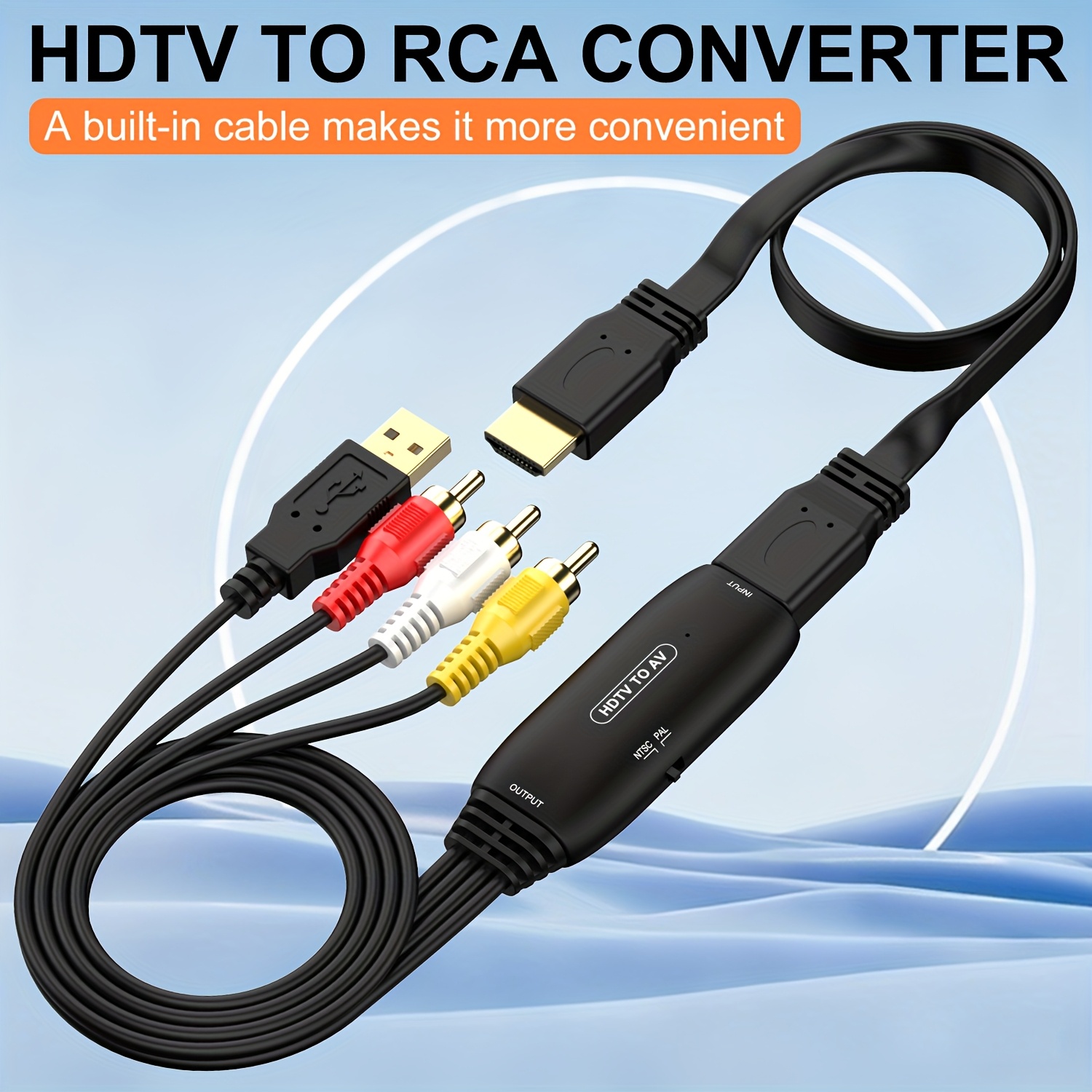
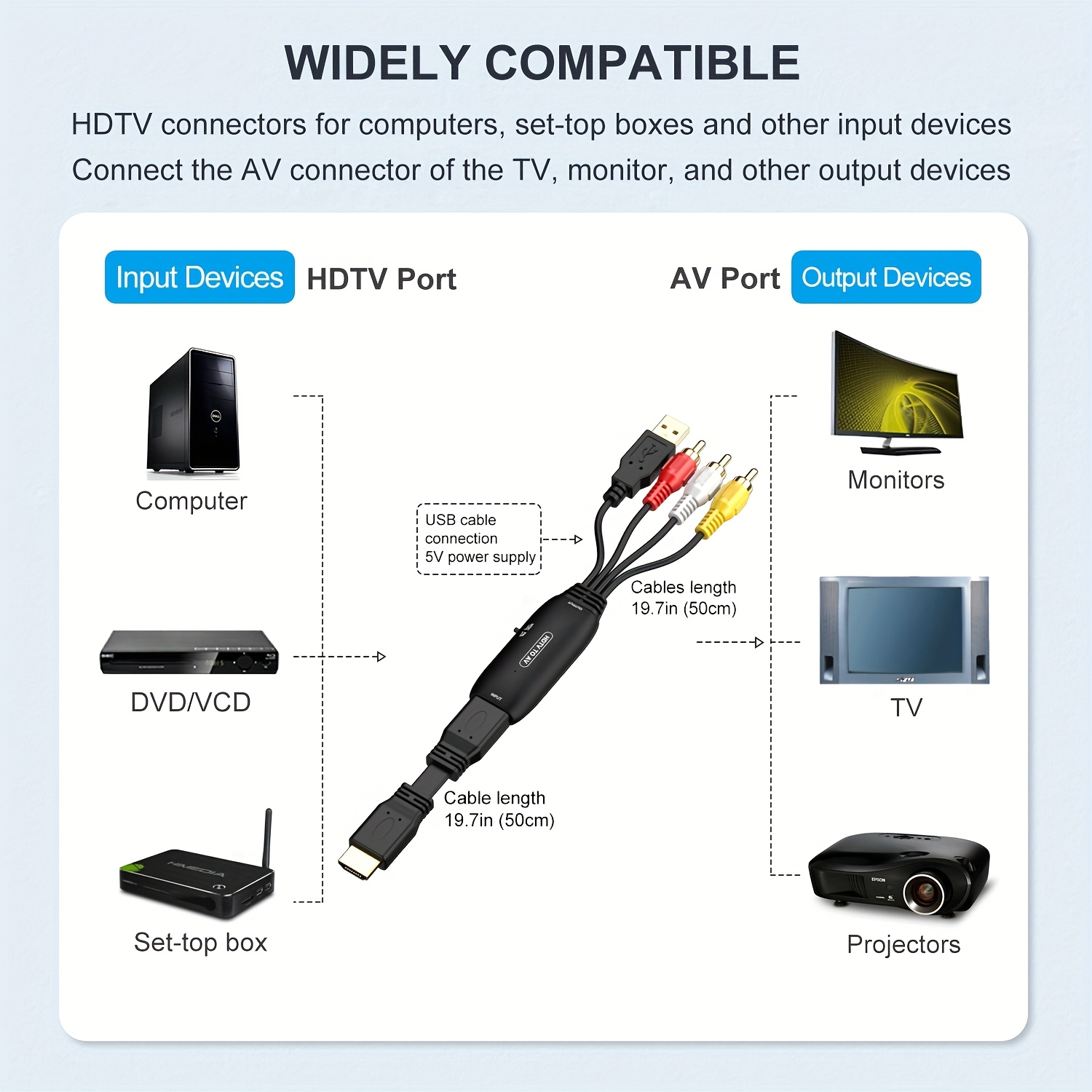
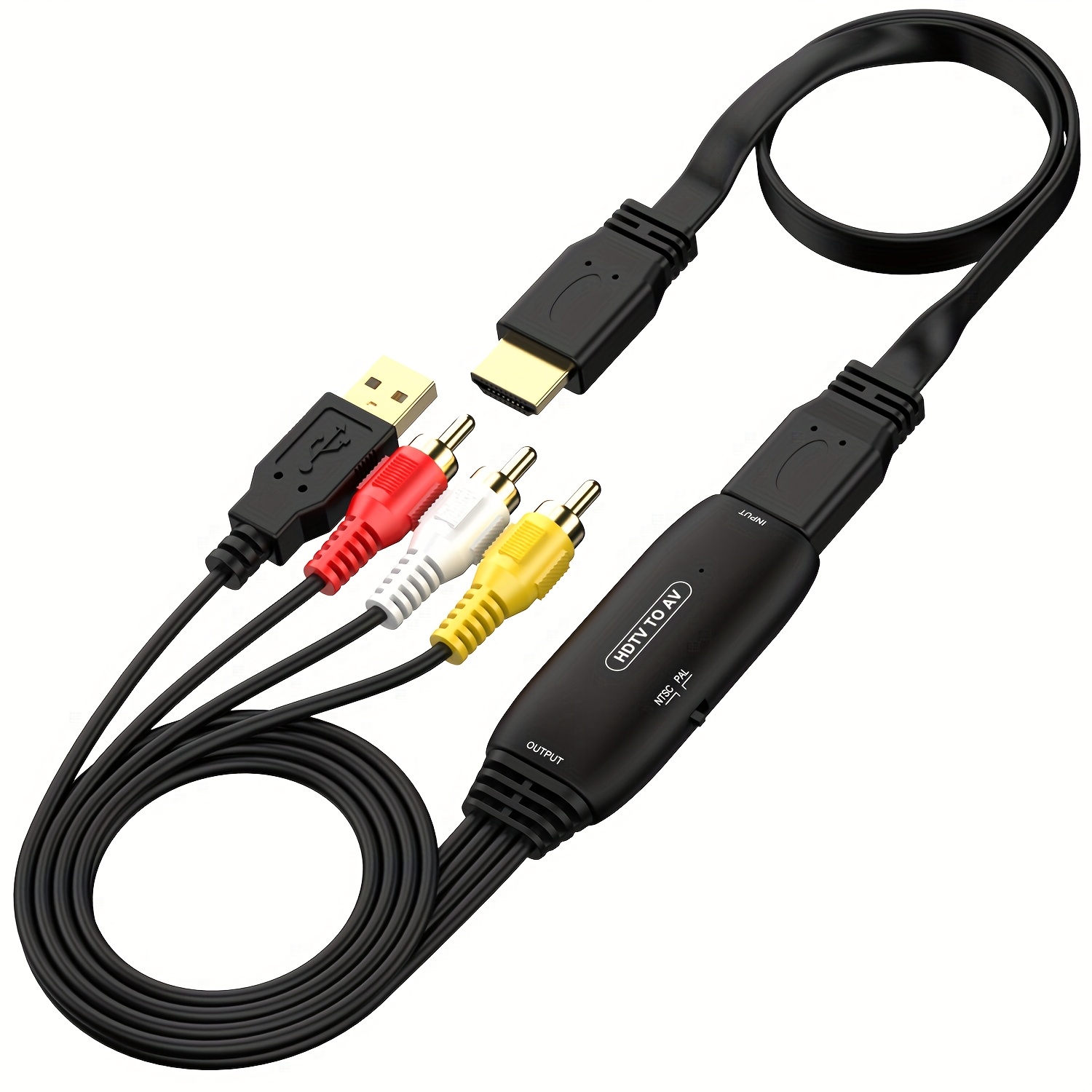
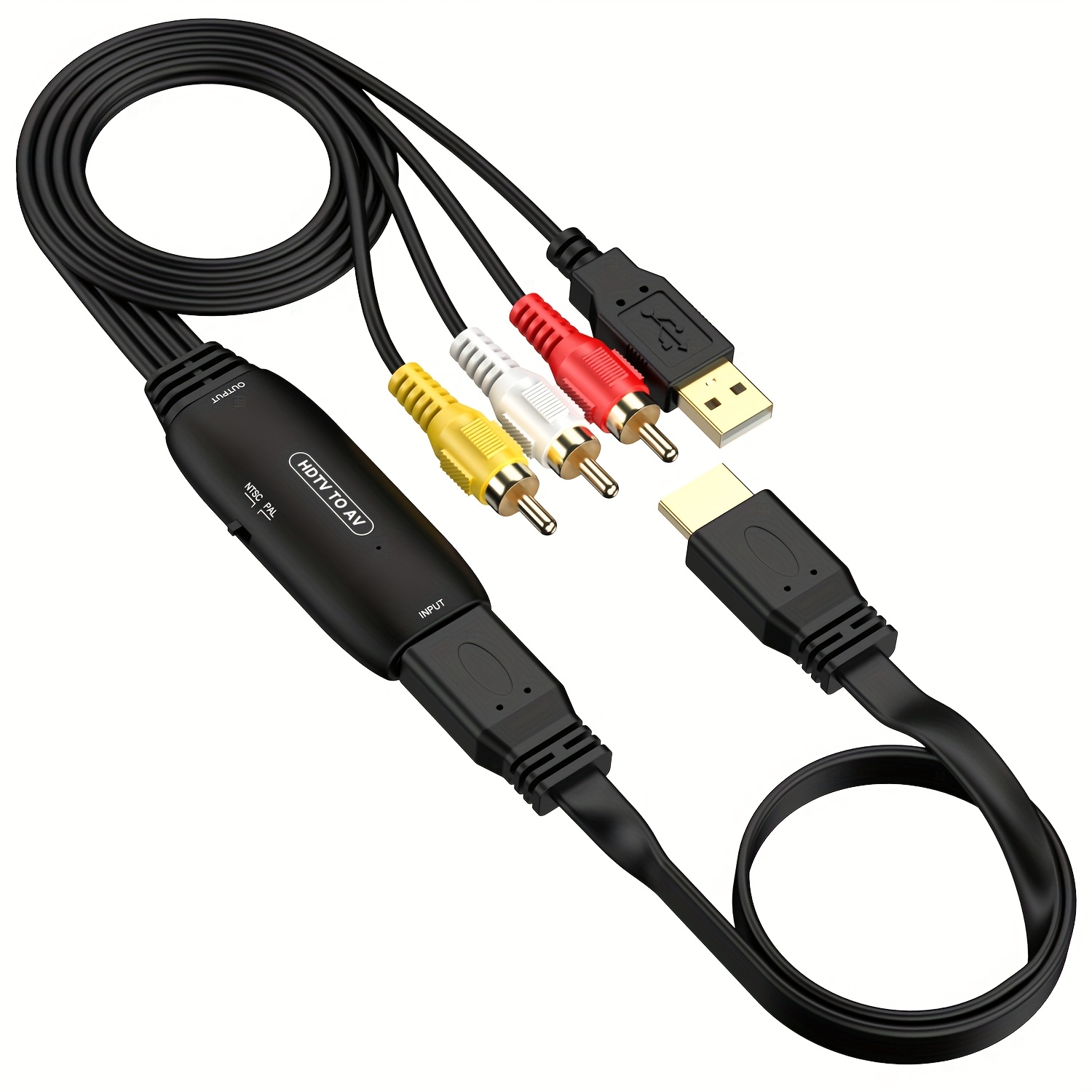
This HDTV to AV Adapter convert a practical and efficient solution for converting high quality 1080P HDTV video signal to normal CVBS(AV/RCA) signal (standard-definition 480i). Enables you to play high definition audio and video from your HDTV audio/video player on your analog TVs and monitors
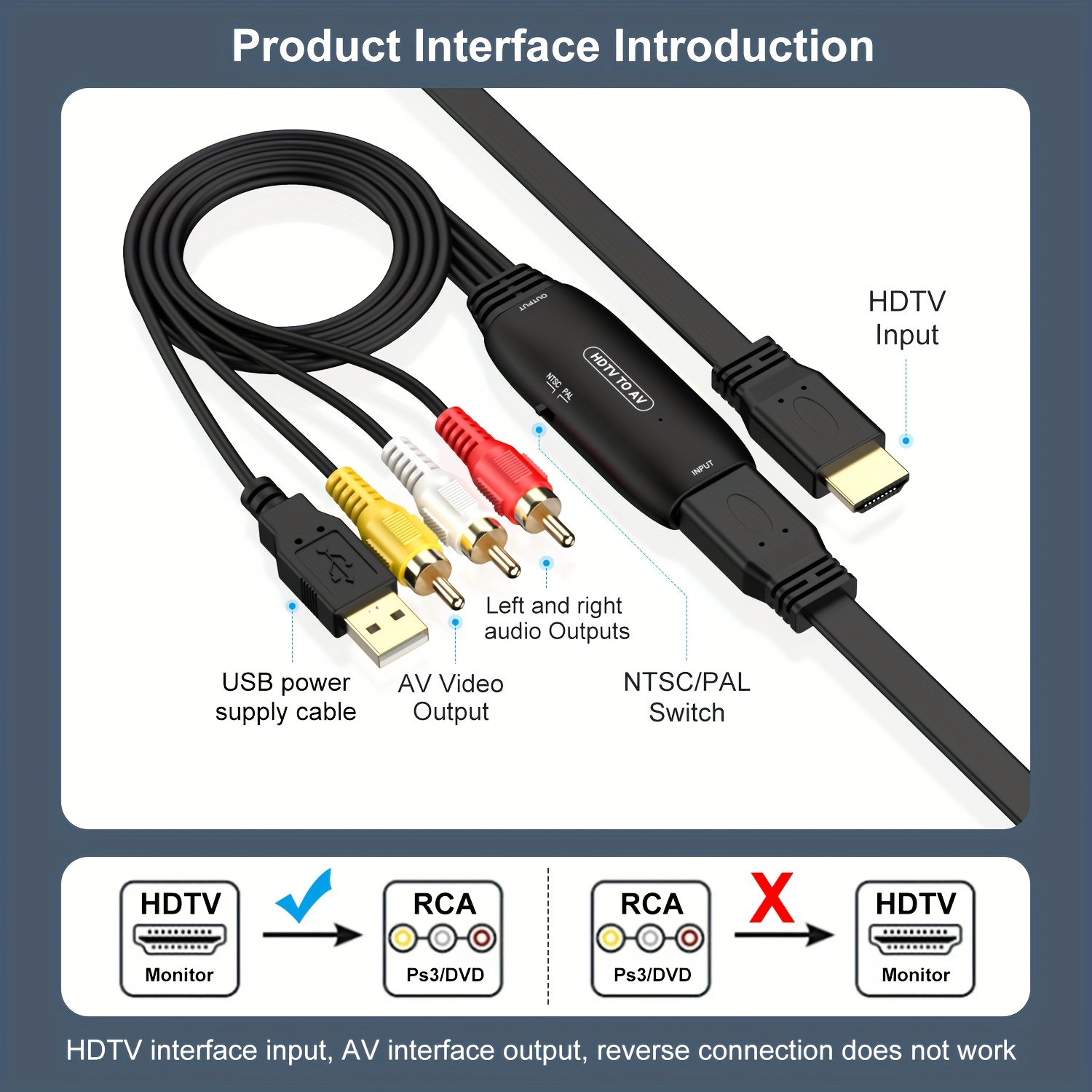
Input ports: HDTV ; Output ports: 3RCA (Yellow, White, Red); Output Video Systems: PAL/ NTSC; Plug and Play; No need to install any software, portable and flexible; Support Input HDTV Resolution: 480i, 480P, 720P, 1080i, 1080P; Please set to NTSC format when use it in USA! Need to connect an external power supply through a micro USB cable;
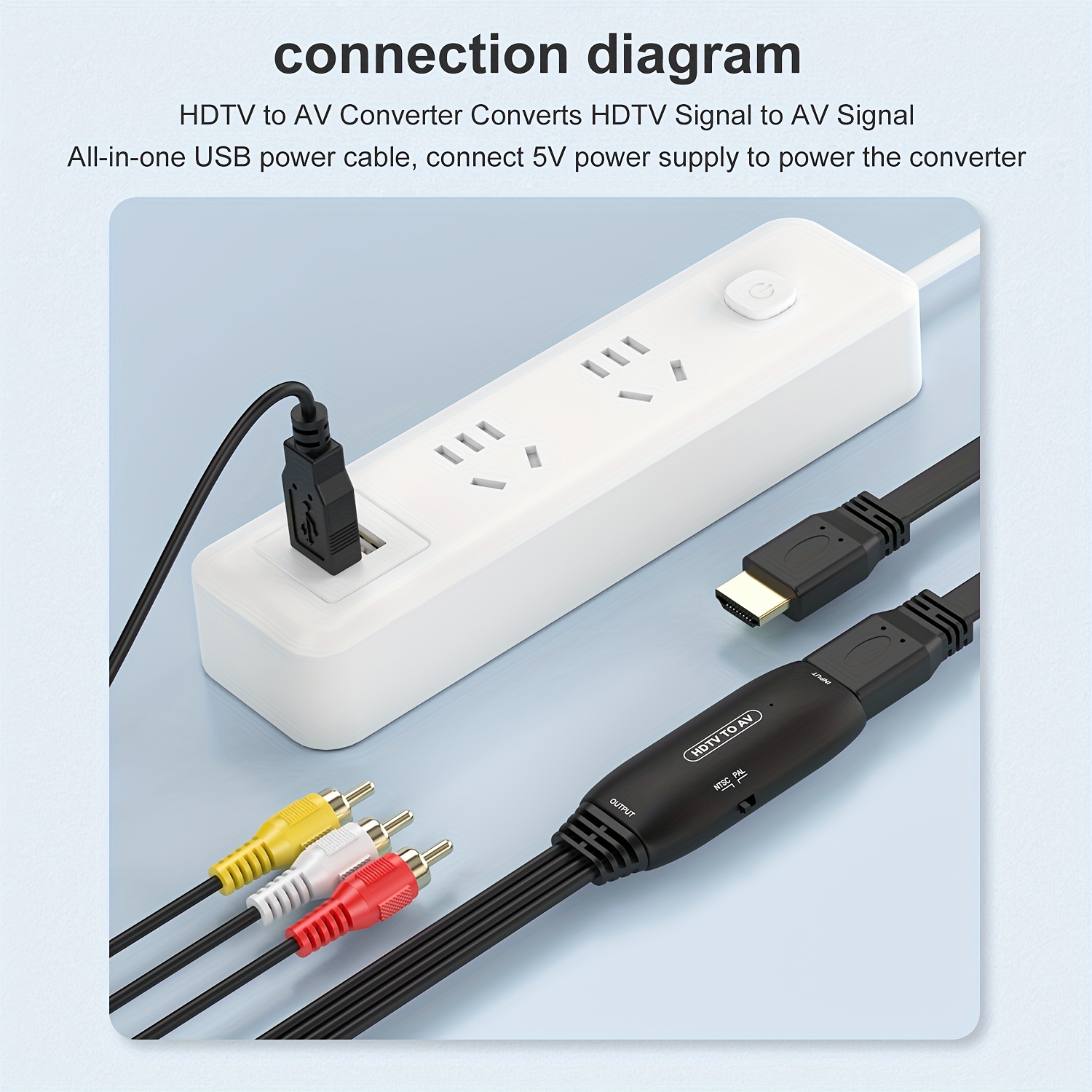
Please NOTE: Requires Power Connection. (It comes with USB cable and requires an additional power adapter to be added to function properly.) 1. Video signal transferring only, unable to improve video quality. 2. Do not support 3D and 4K, it does not support reverse operation and cannot be used as an AV to HDTV converter. 3. The input HDTV resolution is up to 1080p, if it exceeds 1080p, please reduce the signal source resolution (such as PS4)
4. When connecting the Fire stick, the Fire stick needs to use the original charger or enough 5V1A power supply, otherwise it will not work or restart all the time. 5.Check the RYW(RCA) cables are plugged into the matching RCA ports on the TV. 6.Loop the same screen, re-plug it a few times to make sure your connection is tight